
If you're a producer in 2025, you're sitting on hundreds or even thousands of demos — Dropbox folders, voice memos, half-finished beats, stems, bounce-outs, and “final mix v10 frfr.wav.”
The real challenge isn’t making new music.
It’s finding the right ideas when inspiration hits.
Here’s how modern producers organize their demos today — and how you can clean up your entire creative workflow.
Step 1: Create a Folder System That Matches Your Workflow
Most producers use one of these three structures:
1. “By Year” folder system
Great for high-output producers.
2023 / 2024 / 2025 → Demos / Beats / Collabs
2. “By Type” system
Good for producers who switch genres often.
Beats / Ideas / Hooks / Melodies / Drums / Unfinished / Finished
3. “By Project” system
Perfect for artists building albums or packs.
EP Name → Sessions / Masters / Stems / Alternates
Choose the structure that matches how you naturally work — not how you think you should work.
Step 2: Use Clear Naming Conventions
Producers who stay organized use simple, predictable names:
bpm_key_idea-name.wav140_Fm_dark-pad-loop.wavdemo-0225-alt2.wav
What matters most is consistency.
Step 3: Save Stems Every Time You Bounce
Future-you will thank current-you.
Stems make it easy to:
- collaborate
- fix mixes
- send instrumentals
- pitch for sync
- revisit old ideas
Never rely on a single project file alone.
Step 4: Add Quick Notes or Metadata
You’ll forget an idea unless you label it.
Simple comments help:
- “Needs bass”
- “Great chorus idea”
- “Send to Alex / potential A&R pitch”
- “Collab with Maya – waiting on vocals”
Metadata turns a chaotic folder into a searchable library.
Step 5: Store Everything in a Music Cloud (Not a Generic One)
General clouds like Drive or Dropbox weren’t built for artists.
Producers in 2025 increasingly use music-first clouds that offer:
- instant WAV previews
- BPM + key detection
- playlists for ideas
- version replacement
- secure links
- unlimited submissions from collaborators
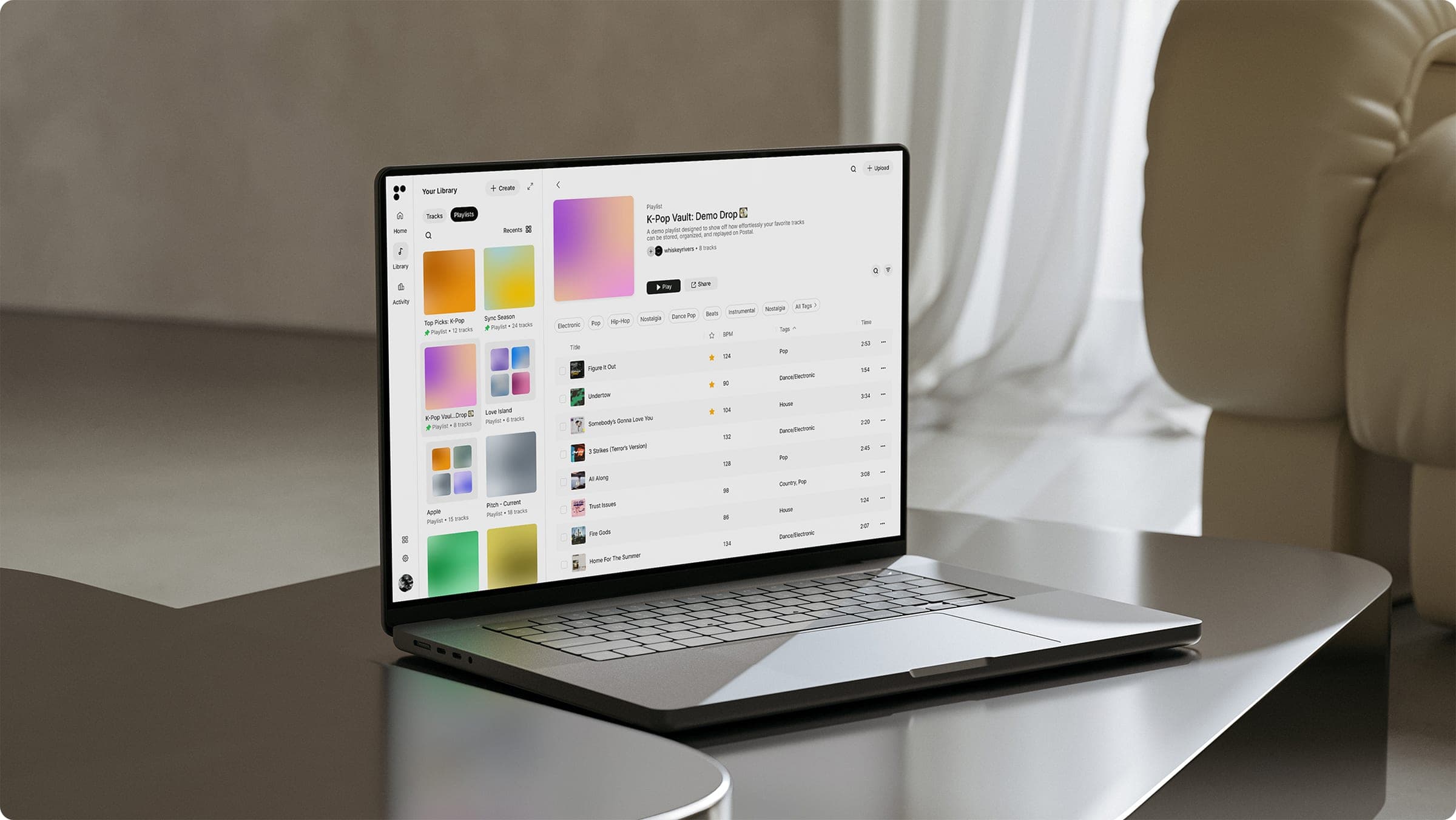
Tools like Postal are becoming the go-to way to organize demos without losing control of your catalog.
Step 6: Create a “Pitch-Ready” Demos Folder
Every serious producer keeps a folder for:
- beats to send to artists
- ideas to show managers
- toplines for A&Rs
- sync-ready ideas
This folder should always stay updated and clean.
Step 7: Archive, Don’t Delete
A dead idea today might be a hit tomorrow.
Archive old projects — don’t trash them.
Final Takeaway
The best producers don’t just make ideas.
They find them when it matters.
A clear structure, simple file naming, metadata, and a dedicated music cloud will save you hours — and unlock ideas you forgot you made.
👉 Try Postal today → https://postal.music